What is pCloud
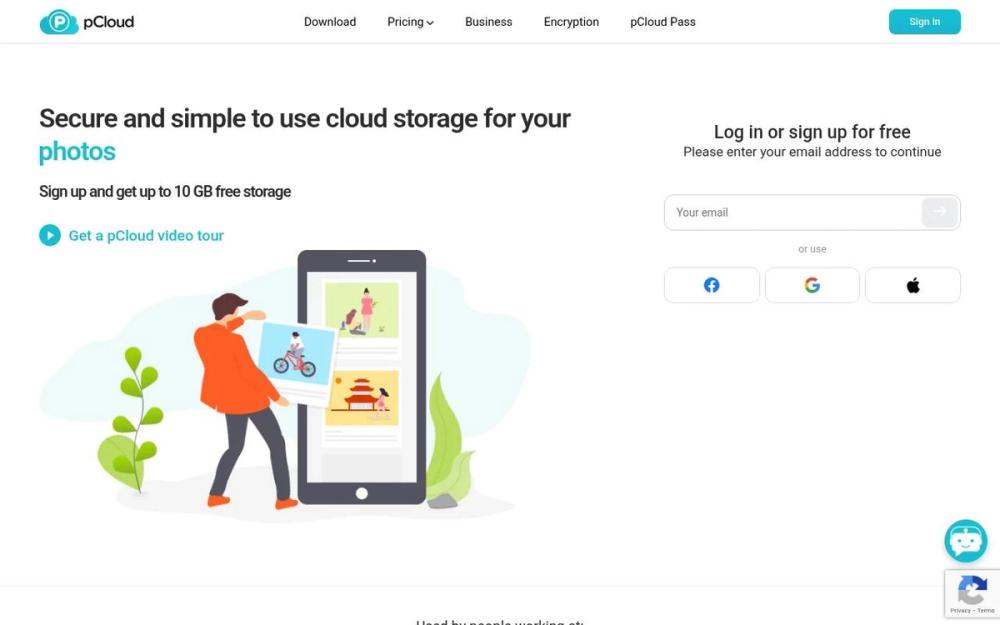
pCloud is a cloud storage service that provides a secure and user-friendly platform for storing, sharing, and accessing files. It offers a range of features designed to protect user data and facilitate collaboration.
How to use pCloud
- Sign Up: Create a pCloud account on their website or through their mobile app.
- Install: Download and install the pCloud desktop application or mobile app on your devices.
- Upload Files: Upload your files to your pCloud storage using the desktop app, mobile app, or web interface.
- Share and Collaborate: Share files and folders with others, and collaborate on documents using pCloud's sharing features.
Features of pCloud
- Encryption: Offers client-side encryption to protect your files.
- File Versioning: Keeps track of previous versions of your files, allowing you to revert to older versions.
- File Sharing: Enables easy sharing of files and folders with others through links or direct invitations.
- Cross-Platform Access: Provides access to your files from any device, including computers, smartphones, and tablets.
- Automatic Backup: Offers automatic backup of your important files.
- Integration: Integrates with various third-party applications.
Use Cases of pCloud
- Personal File Storage: Securely store personal documents, photos, and videos.
- Team Collaboration: Share and collaborate on files with team members.
- Backup and Disaster Recovery: Back up important files to protect against data loss.
- Access Files from Anywhere: Access your files from any device with an internet connection.
- Secure File Sharing: Share sensitive documents securely with clients or partners.
- Syncing across devices: Keep files synchronized across multiple devices.
FAQ from pCloud
- Is pCloud secure? Yes, pCloud uses encryption to protect your files.
- How much storage space do I get? pCloud offers various storage plans, including free and paid options.
- Can I share files with non-pCloud users? Yes, you can share files with anyone via a shareable link.
- Does pCloud offer file versioning? Yes, pCloud keeps track of previous versions of your files.
- Is there a desktop app? Yes, pCloud offers desktop applications for Windows, macOS, and Linux.
- Can I access my files from my mobile device? Yes, pCloud has mobile apps for iOS and Android.